Azure Virtual Desktop | Security Alert Rules
 Alex ter Neuzen
On this page
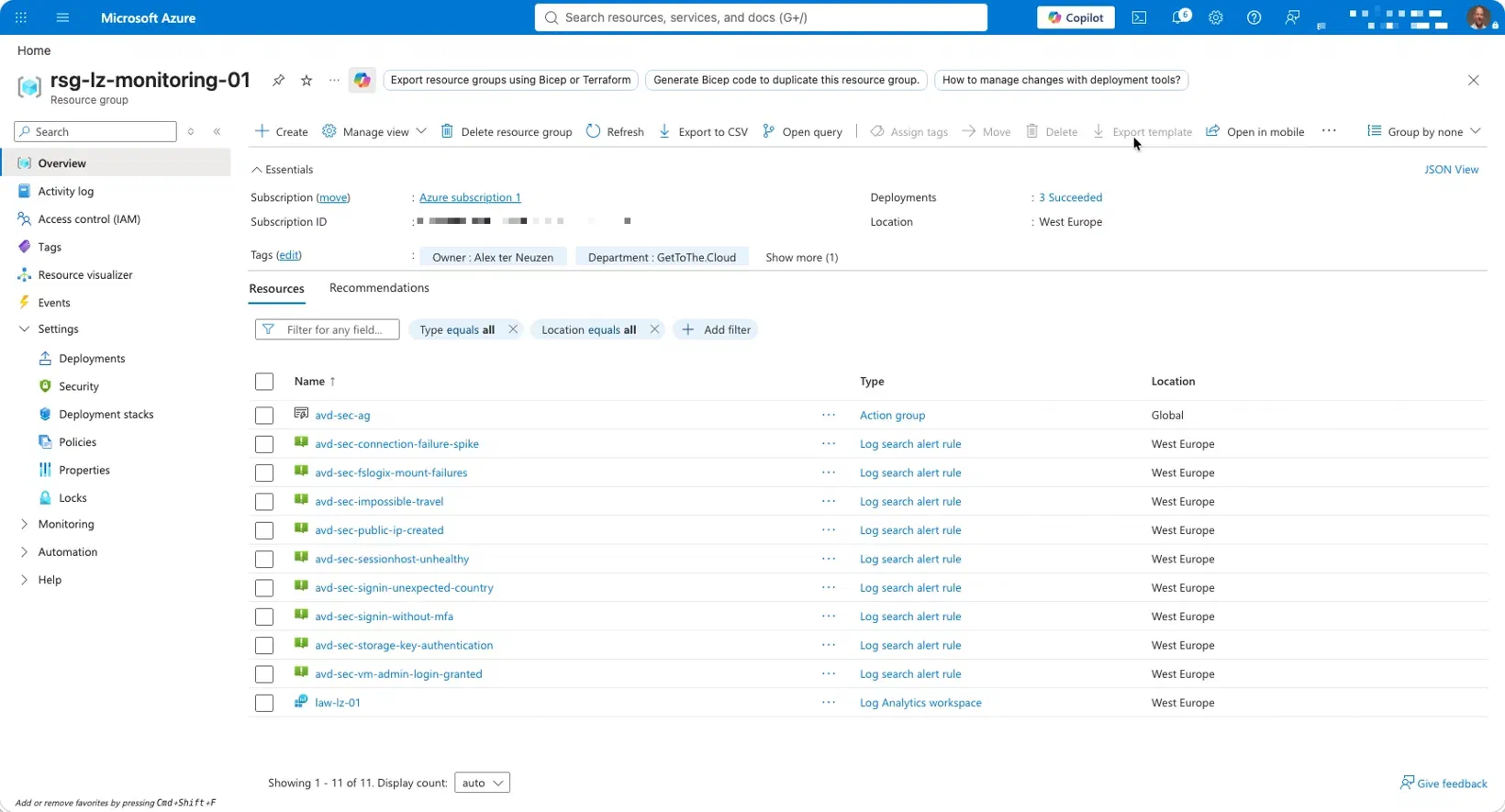
Companion deployment for the AVD security series (Parts I to III).
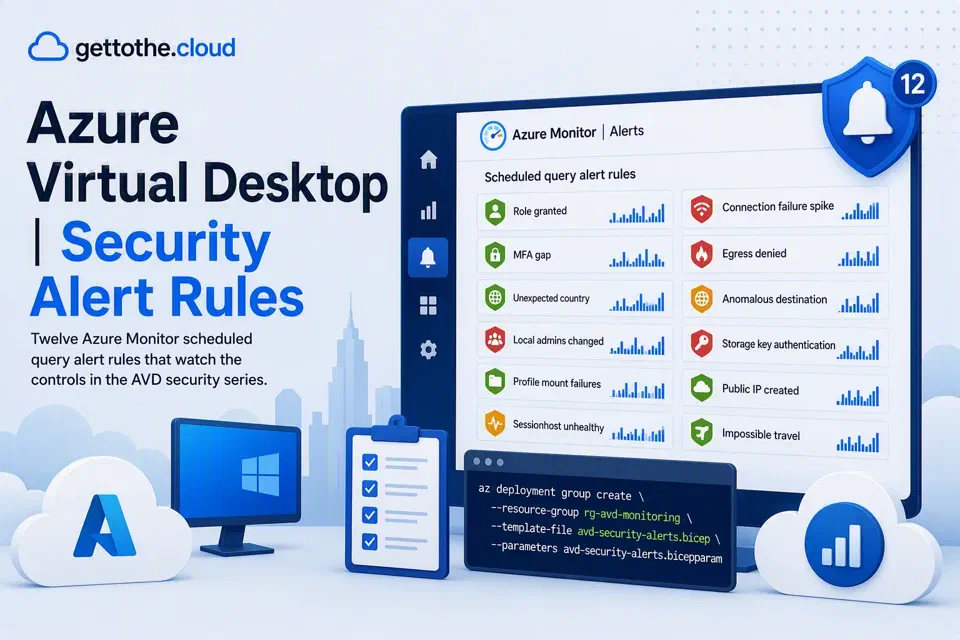
Twelve Azure Monitor scheduled query alert rules that watch the controls described in the series. Each rule maps to a step in the attack chain from Part I, so you can see what a rule is actually for rather than just what it queries.
Files#
| File | What it is |
|---|---|
avd-security-alerts.bicep | The deployment. Action group plus twelve scheduled query rules, each individually switchable. |
avd-security-alerts.bicepparam | Parameters. Replace every placeholder before deploying. |
avd-security-alerts.kql | The queries standalone, with prerequisites and tuning notes, for pasting into Log Analytics to test before you deploy. |
Deploy#
az deployment group create \
  --resource-group rg-avd-monitoring \
  --template-file avd-security-alerts.bicep \
  --parameters avd-security-alerts.bicepparam
Validate first:
az deployment group what-if \
  --resource-group rg-avd-monitoring \
  --template-file avd-security-alerts.bicep \
  --parameters avd-security-alerts.bicepparam
Before you deploy, run every query by hand#
Do not deploy these blind. Paste each query into Log Analytics against your own workspace first and confirm two things: the table exists, and the result count over a normal week is something you would actually want to be paged about.
A rule that fires forty times a day gets muted, and a muted rule is worse than no rule because it looks like coverage.
Data prerequisites#
The rules only work where the data is arriving. Each depends on a different pipeline, and most environments have some of these and not others.
| Table | Comes from | Rules that need it |
|---|---|---|
AzureActivity | Activity Log diagnostic setting sent to the workspace | Role granted, public IP created |
SigninLogs | Entra ID diagnostic settings sent to the workspace | MFA gap, unexpected country, impossible travel |
SecurityEvent | Security Events data collection rule scoped to the sessionhosts, collecting 4732 and 4733 | Local Administrators changed |
Event | A data collection rule collecting the FSLogix operational channel | Profile mount failures |
WVDAgentHealthStatus, WVDErrors | AVD host pool diagnostic settings | Sessionhost unhealthy, connection failure spike |
AZFWApplicationRule | Azure Firewall diagnostics in resource-specific mode | Egress denied, anomalous destination |
StorageFileLogs | File service diagnostic setting on the FSLogix storage account | Storage key authentication |
Two things that catch people out. Azure Firewall diagnostics default to Azure diagnostics mode, which lands everything in AzureDiagnostics rather than the resource-specific tables these rules use, so switch the mode or rewrite those two queries. And SecurityEvent needs an explicit data collection rule; onboarding a machine to the Azure Monitor Agent does not collect security events on its own.
If a table is missing, the rule deploys successfully and simply never fires. That is the failure mode to watch for, because it is silent. After deployment, check that each rule has actually evaluated.
The two rules that ship disabled#
enableFirewallEgressDenied and enableAnomalousDestination are off by default.
Both depend on a tuned egress baseline. Until your firewall rules are settled, every endpoint you have not yet allowed produces denies, and the rules will fire constantly for reasons that have nothing to do with security. Tune first, then enable. The denies in the meantime are your tuning backlog, and they are worth reading manually.
What is not covered here, and why#
Some of the controls in the series are configuration state rather than events, and an alert rule is the wrong instrument for them. Trusted Launch, public IP restrictions, storage account public network access and disk encryption are all better enforced with Azure Policy in Deny mode, with Audit for what already exists. Policy prevents the drift; these rules tell you about the things policy cannot stop.
Defender for Cloud covers the posture drift on the underlying resources, and its recommendations for the sessionhost subscription are worth treating as a monitored feed rather than a score to optimise.
Tuning notes#
Start with severity 1 on the three rules that matter most, being the role grant, the local administrators change and the unexpected country, and route only those to a channel somebody actually watches. Everything else can go to a daily digest until you trust it.
Review the fire rate after two weeks. Any rule that has produced more than a handful of alerts needs its threshold revisited or its scope narrowed. Four or five well-understood detections that somebody reviews are worth more than twelve nobody reads.
Get the repo from github at https://github.com/GetToThe-Cloud/avd-security-alerts