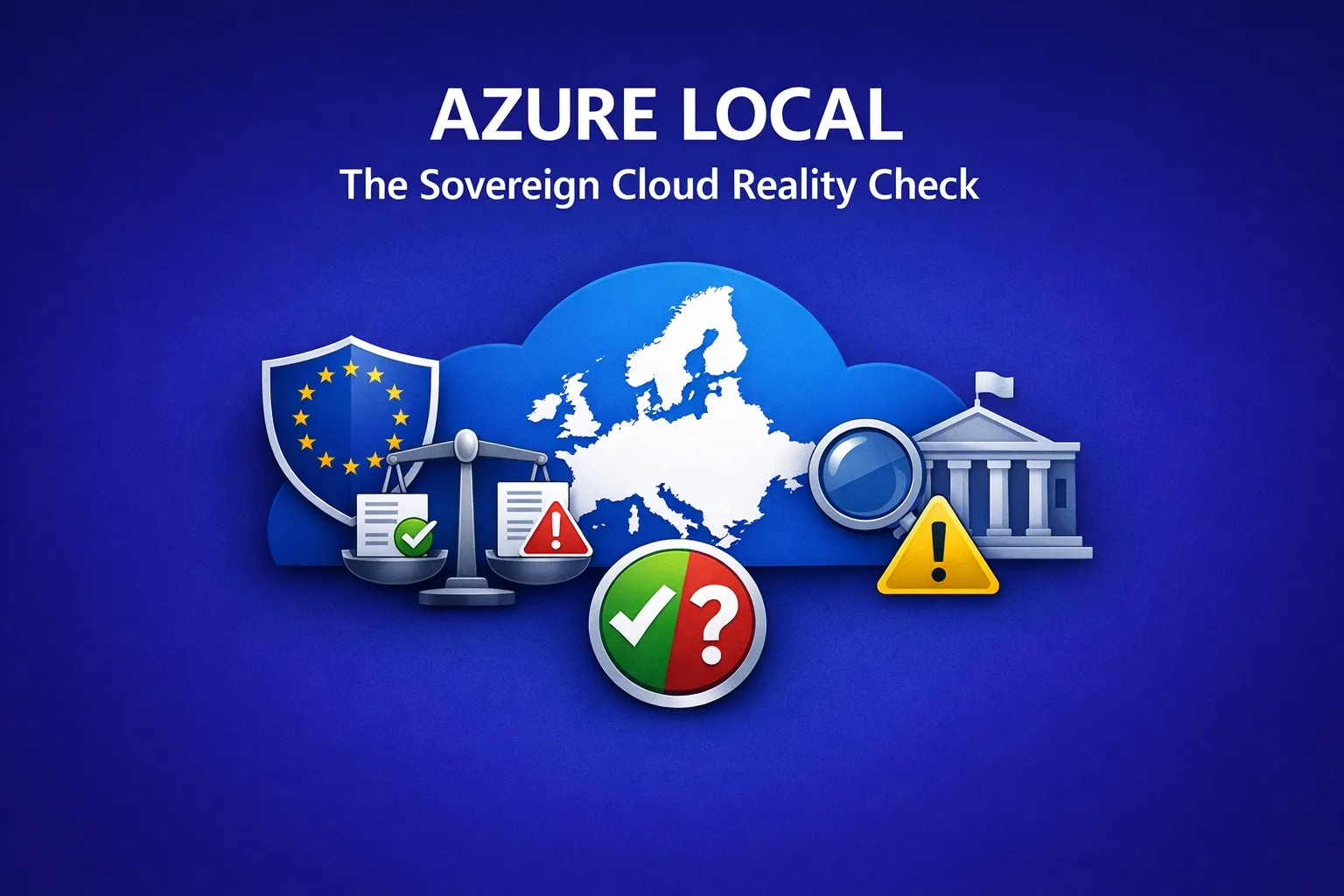

This post walks through where Azure Local sits inside Microsoft’s Sovereign Cloud story, hybrid versus disconnected, what it costs, how Microsoft 365 Local fits in, and then takes the wider view: how the U.S. CLOUD Act interacts with GDPR and NIS2 when you run Azure Local in your own datacenter, and what the evidence actually says.
Where Azure Local sits in the Sovereign Cloud picture
Microsoft’s Sovereign Cloud is no longer a single product. It is a continuum. On one end you have the Sovereign Public Cloud, the regular Azure regions wrapped in extra controls, the EU Data Boundary, and the Sovereign Landing Zone. On the other end you have the Sovereign Private Cloud, built on Azure Local, where the hardware, the data, and now even the control plane live inside the customer’s boundary.
In February 2026 Microsoft made this explicit. The Sovereign Private Cloud was reframed as a unified stack: Azure Local for infrastructure, Microsoft 365 Local for productivity workloads, and Foundry Local for AI models. All of these can run connected, intermittently connected, or fully disconnected, depending on what each workload needs. That last part is the real news. Sovereignty is no longer a single deployment mode. It is a dial.
Hybrid versus disconnected: what actually changes
The default Azure Local experience is hybrid. Your nodes run in your datacenter, but the management surface (the Azure portal, ARM, RBAC, Arc, billing, policy) lives in Azure. Workloads stay local. Telemetry, identity, and orchestration depend on a connection back to the public cloud. For most organizations this is fine and even desirable: you get the operational model of Azure with the data locality you need.
Disconnected operations flip the model. Starting with Azure Local 2602 and now generally available, Microsoft ships a local control plane appliance that runs inside the Azure Local cluster itself. The portal, ARM, RBAC, managed identities, Arc enabled Servers, Azure Local VMs, AKS enabled by Arc, and device management all run from on premises. No call home, no public cloud dependency, no exposure to external networks.
The tradeoff is mostly capacity. The disconnected operations appliance needs at least 64 GB of memory, and Microsoft recommends management cluster nodes have 96 GB of memory just to host it alongside the rest of the infrastructure. You also need a Microsoft Customer Agreement for Enterprises and a documented business reason. Disconnected mode is not something you click a checkbox to enable. It is procured.
The practical effect: hybrid is for organizations that want cloud style operations with local data. Disconnected is for organizations that legally or practically cannot phone home, like government, defence, regulated finance, healthcare, and isolated industrial sites.
Pricing: simpler than it looks, but watch the layers
The Azure Local service fee is $10 per physical core, per month, billed daily, with the first 60 days free after registration. Multi threading does not count. Microsoft bills the physical cores, not the logical ones. So a two socket node with 32 physical cores costs roughly $320 per month, billed through your Azure subscription.
If you already own Windows Server Datacenter with active Software Assurance, Azure Hybrid Benefit lets you exchange those core licenses to waive the Azure Local host fee entirely. For many enterprises with existing SA, the per core cost drops to zero.
What the headline price does not include: the Windows Server guest licensing for the VMs themselves, the hardware (you buy that from Dell, HPE, Lenovo, or another validated OEM), and any Azure consumption on top (Azure Site Recovery, Azure Backup, Azure Monitor, Azure Virtual Desktop, and so on). AKS on Azure Local has been free of additional control plane charges since the 2402 release. AVD on Azure Local adds $0.01 per virtual core per hour on top of the base host fee.
For disconnected operations, the same per core economics apply, but you need to plan more hardware to host the local control plane appliance, and you need an enterprise agreement to even procure it.
Microsoft 365 Local: productivity inside the boundary
Microsoft 365 Local went GA in late 2025 and lets organizations run Exchange Server, SharePoint Server, and Skype for Business Server on Azure Local infrastructure, with Azure consistent management. Initially it shipped in connected mode; the fully disconnected variant landed in early 2026 alongside Azure Local disconnected operations.
Two things to know. First, M365 Local is not a like for like replacement for the M365 SaaS suite. There is no Teams, no Loop, no Copilot in the local stack. It covers email, document collaboration, and unified comms, and that is it. The “SE” (Subscription Edition) versions of these server products are supported until December 31, 2035, which gives organizations a long runway. Second, it is licensed separately from the Azure Local core fee. You still need server and CAL licensing for the M365 Local workloads, sold through Enterprise Agreements. It is not bundled.
The strategic point of M365 Local is sovereignty, not feature parity. If you are a regulated entity that cannot put mailboxes or document libraries in Microsoft’s public cloud, M365 Local lets you keep the Microsoft ecosystem without exporting the data.
The wider perspective: CLOUD Act, GDPR, and NIS2
This is where the story gets interesting, and where most marketing decks go quiet.
The U.S. CLOUD Act (Clarifying Lawful Overseas Use of Data Act, 2018) authorizes U.S. authorities to compel U.S. based companies to produce data they control, regardless of where the data physically sits. Microsoft is a U.S. company. Its EU subsidiaries are still subsidiaries of a U.S. parent. The CLOUD Act reaches them.
This stopped being theoretical on June 10, 2025. Before the French Senate’s Commission of Inquiry on digital sovereignty, Anton Carniaux, Director of Public and Legal Affairs at Microsoft France, was asked under oath whether he could guarantee that French citizens’ data hosted in EU datacenters would never be handed to U.S. authorities without French authorization. His answer was, in French, “Non, je ne peux pas le garantir”, meaning No, I cannot guarantee it. He added that if a properly framed U.S. order arrived, Microsoft would comply. Separately, in 2025, Microsoft confirmed in writing to Scottish police authorities that it could not guarantee data sovereignty for M365.
That admission is the load bearing fact for the rest of this analysis.
GDPR Article 48 is the European counter pressure. It prohibits transferring personal data to a foreign authority outside of a bilateral legal framework (mutual legal assistance treaty or equivalent). A CLOUD Act warrant served on a U.S. provider is, by EU reading, exactly the kind of unilateral foreign demand that Article 48 blocks. The provider sits between two legal regimes, each of which can fine or sanction it. The EU Data Act, in force since January 2024 and applying from September 2025, hardens this further: Chapter VII requires cloud and data processing providers in the EU to implement technical, legal, and organizational measures to prevent unlawful third country access to non personal data. The European Commission’s Cloud Sovereignty Framework (October 2025) defines a sovereignty score that explicitly grades exposure to foreign legislation like the CLOUD Act.
NIS2 (Directive (EU) 2022/2555) does not say “sovereign cloud” anywhere. It does not have to. It mandates risk management measures, supply chain security, and incident reporting for essential and important entities in 18 critical sectors: energy, healthcare, finance, water, digital infrastructure, public administration, manufacturing, and others. Article 21 expects an all hazards approach, and a foreign jurisdictional risk that your cloud provider has publicly admitted it cannot defeat is, by any honest reading, a hazard that needs mitigation. As of May 2026, 21 of 27 EU member states have transposed NIS2; Germany’s NIS2 Implementation Act took effect on December 6, 2025. Enforcement is active.
So what does this mean for Azure Local in your own datacenter?
Here is where Azure Local stops being just another infrastructure platform and starts being a legal lever.
When you run Azure Local in hybrid mode, the data plane is yours, but the control plane is Azure. Metadata, telemetry, identity tokens, configuration, policy evaluations, support diagnostics, all of it transits Microsoft’s public cloud. Microsoft’s June 2025 testimony applies to those flows. The data files might never leave your rack, but a CLOUD Act order against the control plane data is not blocked by the fact that your VMs run in Ootmarsum or Frankfurt.
When you run Azure Local in disconnected mode, the calculus changes materially. The local control plane runs inside your boundary. Identity is local. The portal is local. ARM operations terminate locally. There is no continuous data path back to Azure. A U.S. order served on Microsoft cannot compel the production of data Microsoft never had access to in the first place. That is the technical underpinning of the sovereignty argument, and it is the reason disconnected operations exist as a procurement gated product rather than a feature flag.
Two honest caveats. First, the hardware, the OS, and the updates still come from a U.S. vendor. Supply chain and update governance remain a real NIS2 concern, which is why Microsoft has added EU citizen only administrative supervision in some sovereign offerings and tamper evident logs for remote engineer access. Second, disconnected is not free of friction: you give up the seamless cloud managed experience and take on operational responsibility for patching, lifecycle, and recovery yourself.
But the legal picture is clearer in disconnected mode than it has ever been before. For an essential entity under NIS2, a GDPR regulated public administration, or a regulated industry that cannot accept CLOUD Act exposure on its control plane, Azure Local in disconnected mode is the most credible “Microsoft but sovereign” answer Microsoft has ever shipped.
The Sovereign Cloud is not a single product you buy. It is a set of design decisions you make about which workloads can tolerate cloud managed operations, which need to stay hybrid, and which must run entirely inside your boundary. Azure Local, whether connected, hybrid, or disconnected, is now the dial that lets you make those decisions one workload at a time.
Because this is a blog about rules and regulations, i added a list with evidence.
Sources and evidence
Azure Local, disconnected operations, and Sovereign Private Cloud
- Microsoft Learn, Disconnected operations for Azure Local overview (Azure Local 2602+, hardware requirements, eligibility, MCA-E requirement): https://learn.microsoft.com/en-us/azure/azure-local/manage/disconnected-operations-overview
- Microsoft Learn, Acquire Disconnected Operations for Azure Local: https://learn.microsoft.com/en-us/azure/azure-local/manage/disconnected-operations-acquire
- Microsoft Blog, Microsoft Sovereign Cloud adds governance, productivity and support for large AI models securely running even when completely disconnected (Feb 24, 2026): https://blogs.microsoft.com/blog/2026/02/24/microsoft-sovereign-cloud-adds-governance-productivity-and-support-for-large-ai-models-securely-running-even-when-completely-disconnected/
- Microsoft Azure Blog, Microsoft strengthens sovereign cloud capabilities with new services (Nov 5, 2025): https://azure.microsoft.com/en-us/blog/microsoft-strengthens-sovereign-cloud-capabilities-with-new-services/
- Thomas Maurer (Microsoft GBB), Azure Local Disconnected Operations: Running Sovereign Cloud, Productivity, and AI in Air Gapped Environments: https://www.thomasmaurer.ch/2026/04/azure-local-disconnected-operations-running-sovereign-cloud-productivity-and-ai-in-air-gapped-environments/
- Michael Durkan, Microsoft’s Sovereign Cloud Strategy: is it really “Disconnected”? (M365 Local scope analysis): https://michaeldurkan.com/2026/03/01/microsofts-sovereign-cloud-strategy-is-it-really-disconnected/
Pricing ($10/core, AHB, AVD on Azure Local, 60 day trial)
- Microsoft Azure, Azure Local pricing: https://azure.microsoft.com/en-us/pricing/details/azure-local/
- Techielass, Azure Local licensing explained ($10/physical core/month, AHB to $0): https://www.techielass.com/azure-local-licensing-explained/
- Nerdio, Azure Local: Capabilities and Comparisons (single node minimum, pricing layers, AVD add-on): https://getnerdio.com/azure-local/
- Nerdio, Azure Virtual Desktop Pricing: Your 2026 Cost Guide ($0.01/vCore/hour AVD on Azure Local): https://getnerdio.com/azure-virtual-desktop-pricing/
Microsoft 365 Local (scope, GA, support end 2035)
- LicenseQ, Microsoft Licensing Update November 2025 (M365 Local SE editions supported until Dec 31, 2035): https://licenseq.com/microsoft-licensing-update-november-2025/
- SoftwareOne, Azure Local improvements for hybrid cloud (M365 Local in your datacenter): https://www.softwareone.com/en/channel-partner/articles/2026/02/26/azure-local-hybrid-cloud-updates
- Office 365 IT Pros, context on M365 Local positioning relative to M365 cloud suite: https://office365itpros.com/2025/12/08/microsoft-365-pricing-increase/
CLOUD Act, Microsoft France Senate testimony, GDPR Article 48
- The Register, Microsoft exec admits it ‘cannot guarantee’ data sovereignty (July 25, 2025): https://www.theregister.com/2025/07/25/microsoft_admits_it_cannot_guarantee/
- SDxCentral, Microsoft tells French lawmakers it can’t protect user data from US demands: https://www.sdxcentral.com/news/microsoft-tells-french-lawmakers-it-cant-protect-user-data-from-us-demands/
- Convotis, Microsoft: U.S. Access to EU Data Confirmed (direct quote “Non, je ne peux pas le garantir”): https://www.convotis.com/en/news/microsoft-access-eu-data/
- Windows Forum, European Digital Sovereignty at Risk: Microsoft’s Senate Testimony: https://windowsforum.com/threads/european-digital-sovereignty-at-risk-microsofts-senate-testimony-and-the-future-of-data-privacy.374016/
- DanubeData, The US CLOUD Act Explained: Why European Businesses Need Non-US Cloud Alternatives (2026): https://danubedata.ro/blog/us-cloud-act-european-alternatives-2026
- Exoscale, CLOUD Act vs. GDPR: The Conflict About Data Access Explained: https://www.exoscale.com/blog/cloudact-vs-gdpr/
- DataBalance, Microsoft Cloud sovereignty in 2026: ambition and reality (EU Cloud Sovereignty Framework, October 2025): https://www.databalance.eu/en/microsoft-cloud-sovereignty-2026/
EU Data Act and NIS2
- Kiteworks, How the EU Data Act and GDPR Conflict with U.S. CLOUD Act Data Access Demands (Chapter VII, Regulation 2023/2854): https://www.kiteworks.com/gdpr-compliance/eu-data-act-gdpr-cloud-conflict/
- European Commission, NIS2 Directive: securing network and information systems: https://digital-strategy.ec.europa.eu/en/policies/nis2-directive
- ICLG, EU Cybersecurity Regulatory Landscape: A Deep Dive into the NIS2 Directive (essential vs important entities, sectors): https://iclg.com/practice-areas/cybersecurity-laws-and-regulations/03-eu-cybersecurity-regulatory-landscape-a-deep-dive-into-the-nis2-directive
- 6clicks, NIS2 enforcement 2026 (21/27 member states transposed as of May 2026; Germany Dec 6, 2025): https://www.6clicks.com/resources/blog/nis2-enforcement-2026-critical-infrastructure-government-and-defence-cant-wait
- SoftwareSeni, DORA, NIS2, and the EU AI Act Are Making Sovereign Cloud Mandatory for Some Workloads: https://www.softwareseni.com/dora-nis2-and-the-eu-ai-act-are-making-sovereign-cloud-mandatory-for-some-workloads/